A countdown timer for timed match stages on Garmin watches. Build every stage of your match on the watch, each with exactly the alerts you want, then start it with a twist of the wrist or a tap of the START button. No phone needed.
By Justin Nickel. For Garmin watches with a gyroscope, ANT radio and speaker.
Built for the line
Everything lives on the watch: every stage, every alert, every setting. When it's your turn, you only have to twist.
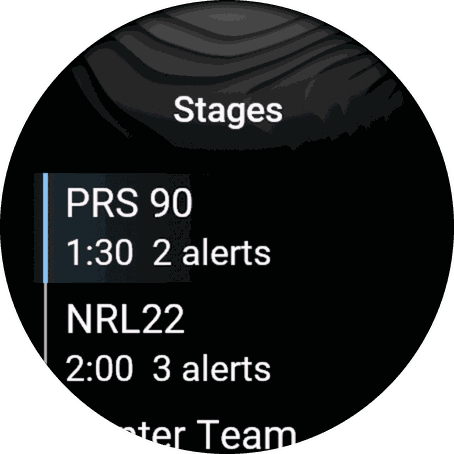
A whole match, a practice day or your standard drills. Each stage has its own name, duration and alerts. Duplicate one to make variations fast.
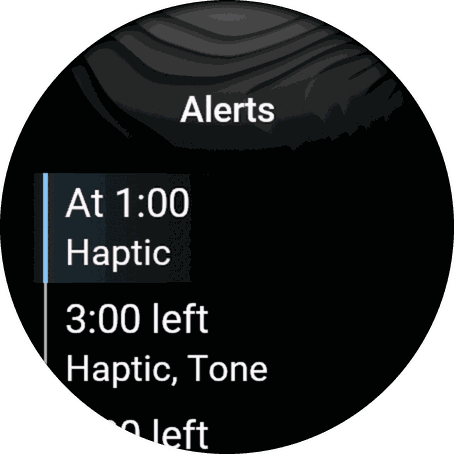
At a time elapsed or a time remaining. A buzz at 1:00 left, a tone at 0:30, a countdown from 0:10: your call.
One or two quick wrist twists start the clock, with sensitivity you tune to your own motion. The START button always works too, with an optional 1–5 second delay.
Watches on the same team channel start together, in step. No phones, no Wi-Fi: a private radio link between the watches.
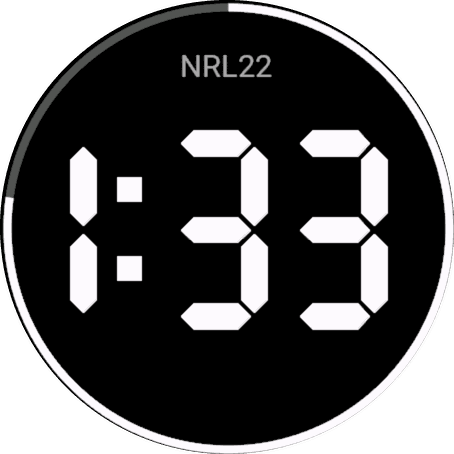
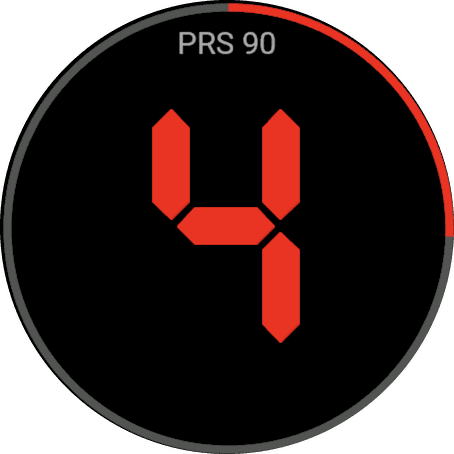
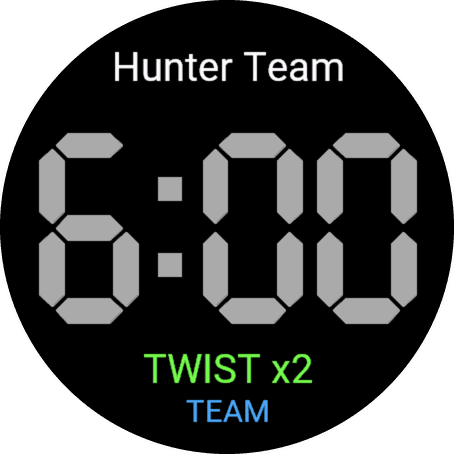
Huge digits sized to your screen, time left around the bezel, orange in the last minute and red in the last 10 seconds.
Buttons and the touchscreen are locked during a stage, so a bump won't stop the clock. BACK asks before it stops.
On the watch


Team sync
When one watch starts, the others on the same team channel start too. TEAM on the start screen turns blue when another watch is connected.
It uses a private ANT radio channel between watches running Match Stage Timer. It isn't an ANT+ profile and doesn't connect to other devices or apps. Range depends on the watches and surroundings.
Any watch starts everyone. The simplest setup: use it on every watch.
Starts the others, but isn't started by them. Use one per team.
Started by the others, and doesn't start anyone.
Support
Email [email protected]. I aim to reply within 2 business days.
Please include your watch model, its software version (Settings > System > About on most watches), and what happened.
Purchases go through Garmin's Connect IQ Store, and Garmin's 48-hour return window applies. Refunds are handled by Garmin through the store.
Open Settings > Calibrate twist and try your start motion. Change Settings > Twist sensitivity, or set Twist count to two twists to make accidental starts less likely. The START button always works.
Every watch must run Match Stage Timer with Team sync turned on and the same Team channel. Use Dual on every watch, or one Leader and the rest Followers; two Leaders on one channel can't hear each other. Your watch may ask once to allow the connection: allow it.
Tones follow your watch's own tone setting. Turn system tones on, then try Settings > Preview sounds.
Stages are stored on the watch only, so they need to be entered again on the new watch.
Garmin watches with a gyroscope, an ANT radio and a speaker, so every feature works on every supported watch. The Connect IQ Store lists the exact models.